
How to Never Be Late to Meetings Again
Most people know when their meetings are. They still run late. The problem isn't your calendar — it's the gap between knowing a meeting is coming and actually leaving in time to make it.
Direct Answer
To never be late to meetings: set your alarm for when you need to leave, not when the meeting starts. Add a 15–20 minute buffer, make the alert impossible to ignore, and automate it so you never have to remember to set it. The single biggest change is shifting from "meeting starts at 2:00" to "I need to leave at 1:30."
Why People Are Actually Late to Meetings
Being late to meetings is rarely about not knowing the schedule. It happens for predictable, structural reasons:
- •Underestimating how long it takes to wrap up the current task
- •Relying on a single quiet notification that disappears
- •Having back-to-back meetings with no transition buffer
- •Underestimating travel time or forgetting logistics
- •Time blindness — genuinely not sensing how quickly time is passing
The deepest issue is the last 5 minutes problem: you're focused on something, a reminder fires, you think "just one more minute" — and then you're late. The reminder was informative. It wasn't imperative enough to actually interrupt you.
Calendar apps send reminders as notifications — a banner that slides in and disappears. They're easy to swipe away and just as easy to mentally file away and forget. Why calendar reminders fail comes down to this: they tell you something is coming. They don't actually stop you from doing what you're doing.
What Actually Works: Alarms, Not Reminders
You don't use a calendar reminder to wake up in the morning. You use an alarm — because alarms are loud, persistent, and hard to ignore. The same logic applies to meetings.
A better system requires:
- ✓More than one reminder — at least a 30-min and a 5-min alert
- ✓Stronger transition cues that actually interrupt what you're doing
- ✓Enough buffer before the meeting to wrap up and get ready
- ✓A leave-time signal for in-person events — accounting for travel
- ✓An alarm that stays loud until you acknowledge it
The departure-first rule:
Instead of "my meeting is at 2:00 PM," think "I need to leave at 1:30 PM." Set your alarm for 1:30. That's the only time that matters. For virtual meetings, "leave at 1:55" means "close this tab, find the Zoom link, and have water."
Why Zoom, Google Meet, and Teams Calls Are Especially Easy to Miss
Virtual meetings are deceptive. There's no commute to force a transition. People assume they can join "in just a minute," stay in the current task too long, and then scramble for the link while the call has already started.
The lack of a physical departure is exactly what makes virtual meetings easier to miss — not harder. Without the friction of "I need to get in the car," there's no built-in cue to stop what you're doing. Standard calendar notifications are not enough to create that cue.
The fix is a strong pre-meeting alarm that fires 10–15 minutes before every call — enough time to finish the sentence you're writing, find the link, and join composed.
How OnTimer Automates This
Setting manual departure alarms for every meeting is better than relying on reminders — but it's still overhead. You have to remember to set them, update them when meetings change, and delete them when events get cancelled. OnTimer removes all of that.
- 📅
Connects to your calendar
OnTimer connects to Google Calendar, Apple Calendar, and Outlook Calendar, then sees your upcoming events automatically. You don't enter anything manually.
- ⏰
Automatically creates alarms before events
For every event with a time, OnTimer creates an alarm based on your chosen lead time. A 30-minute lead time means your alarm fires 30 minutes before you need to be there — giving you time to actually leave.
- 🔄
No manual setup, ever
When a meeting gets rescheduled, your alarm updates. When it's cancelled, the alarm disappears. You don't have to touch anything.
- 🔔
Persistent, can't-miss alerts
OnTimer uses real alarms — not silent notifications. They escalate until you acknowledge them, so you can't sleep through or miss them the way you might a calendar banner.
Who This Helps Most
Chronic lateness affects people for different reasons. OnTimer works for all of them, because the fix is the same: an automatic alarm that fires at the right moment.
Back-to-back meeting days
When you're going from one call to the next, it's easy to lose track of time. OnTimer alarms for each transition so you can focus on the current meeting without watching the clock.
ADHD and time blindness
Time blindness — the difficulty sensing how much time has passed — is common with ADHD. OnTimer's loud, persistent alarms cut through hyperfocus and signal when it's genuinely time to stop.
ADHD time blindness tools →Busy professionals
When you're deep in work, a meeting can sneak up fast. OnTimer removes the need to manually track your schedule by making your calendar do the work for you.
Remote workers
Without a commute to force routine, remote workers often shift meetings later and later. OnTimer keeps you honest about when virtual meetings start — no more rushing to find the Zoom link at 10:03.
See OnTimer in action
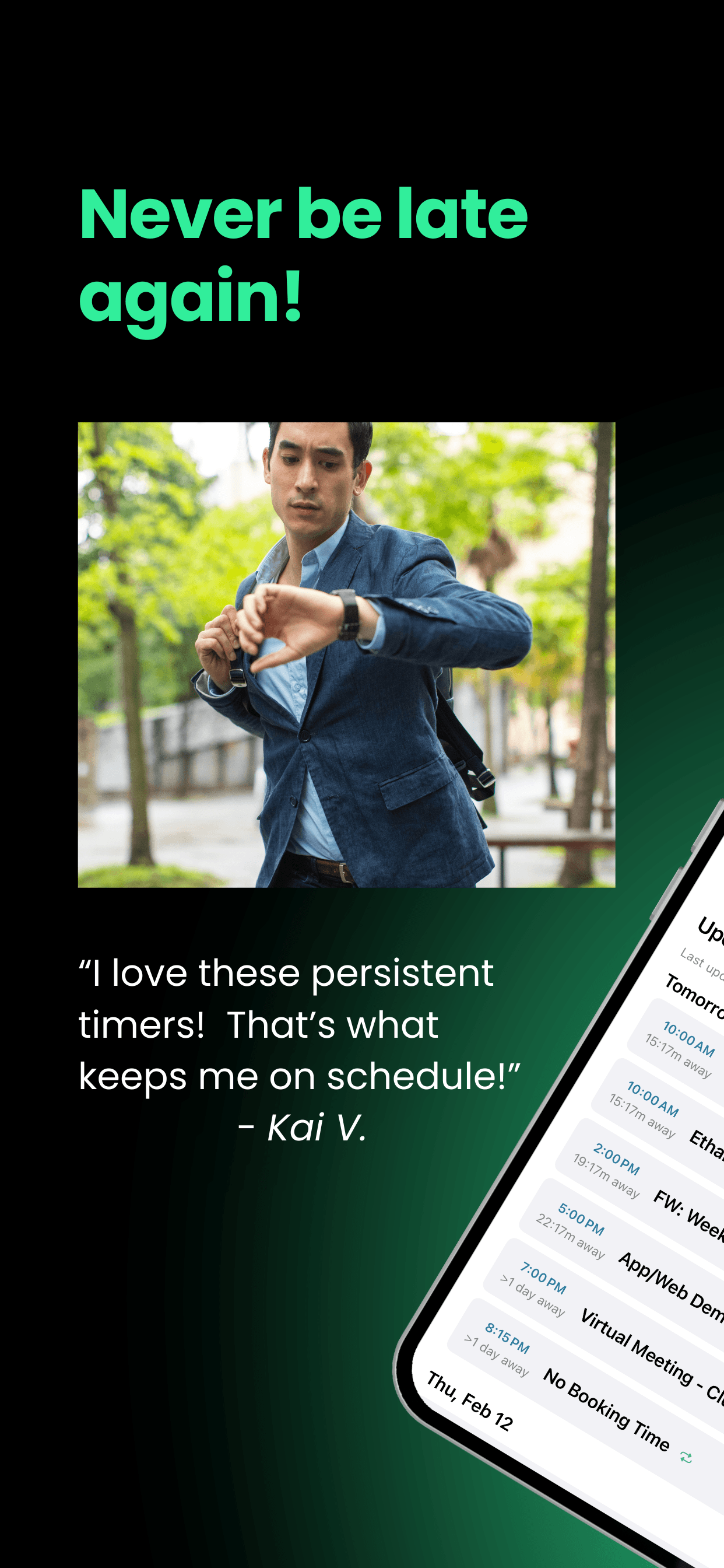
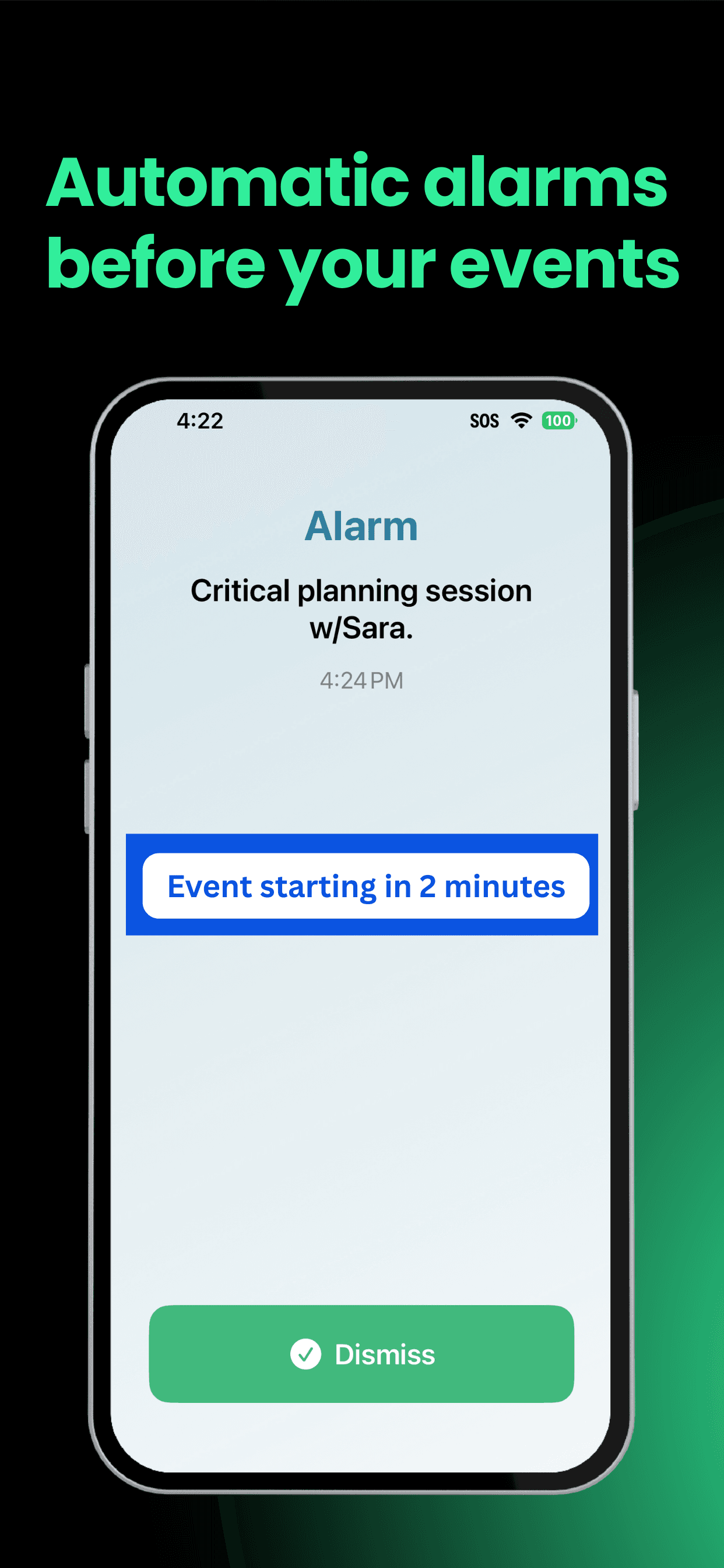
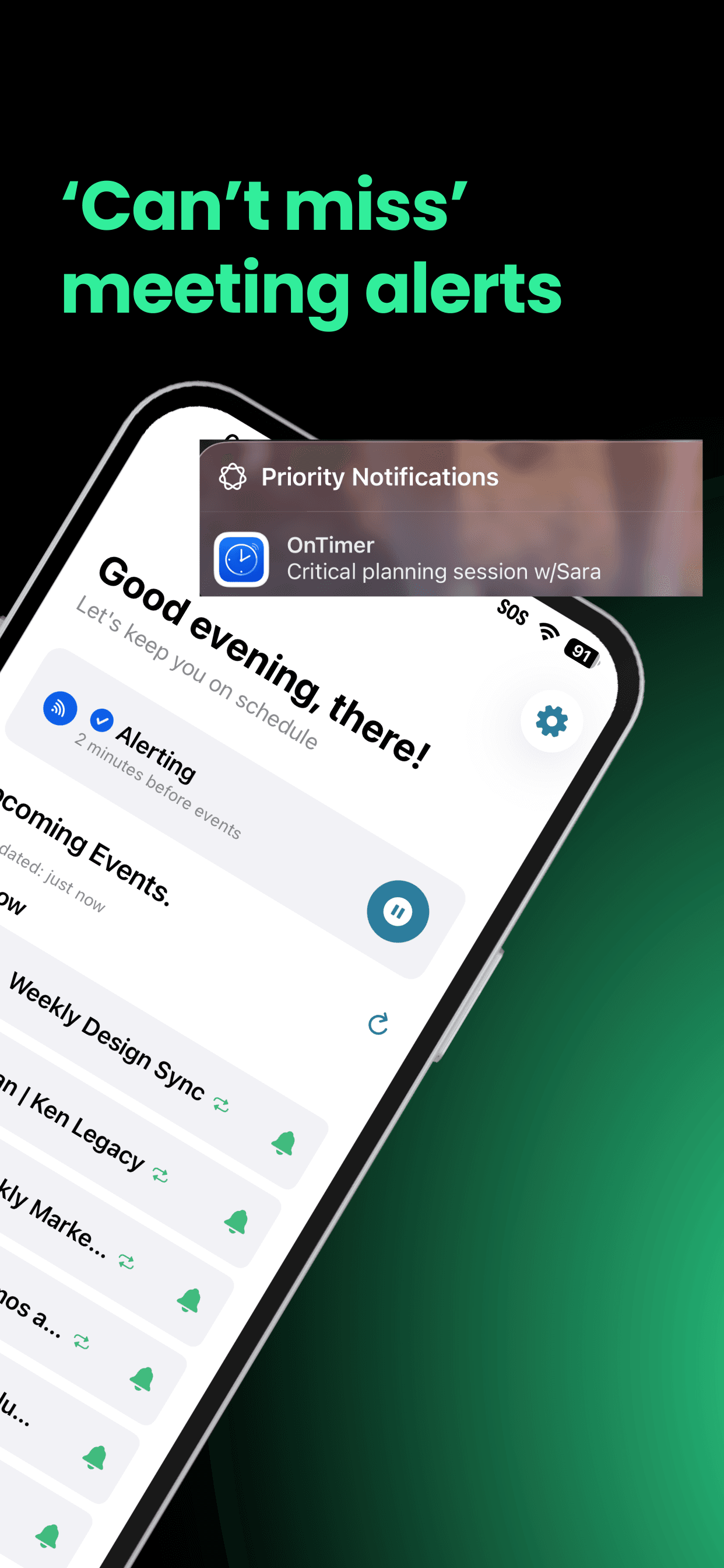
Flying somewhere? Use our Airport Time-to-Leave Calculator to figure out when to leave for the airport based on traffic, security time, and your flight type.
Frequently Asked Questions
Why do I keep being late to meetings even though I know about them?
Knowing about a meeting and actually stopping to leave are two different steps. Calendar notifications inform you — they don't interrupt you. The gap between a reminder and the moment you need to leave is where lateness happens. The fix is a departure-time alarm, not a meeting-start reminder.
What is the last 5 minutes problem?
The last 5 minutes problem is the tendency to underestimate how long it takes to wrap up a current task and transition to a meeting. You're focused on something, the reminder fires, you think 'just one more minute' — and then you're late. The fix is building a transition buffer into your alarm timing.
Why do I miss Zoom meetings even when I'm at my desk?
Virtual meetings are deceptive because there's no commute forcing a transition. You assume you can join 'in just a minute' and stay in your current task too long. A strong alarm that fires 10–15 minutes before creates the transition signal that the lack of commute removes.
How does ADHD affect meeting punctuality?
Time blindness — common with ADHD — makes it genuinely difficult to feel how much time has passed. A reminder that fires and disappears isn't enough to interrupt hyperfocus. Loud, persistent alarms that don't go away until acknowledged are significantly more effective.
Does OnTimer replace my calendar?
No. OnTimer reads your existing calendar — it doesn't replace it. You keep scheduling events the same way you always have. OnTimer just makes sure an alarm fires before each one.
Is OnTimer free?
OnTimer is free and includes automatic alarms for one calendar provider. Time To Fly can set an initial airport departure estimate on the free plan; OnTimer Pro can update it for traffic when background conditions allow. Pro also adds multiple calendar providers, Time To Leave, Early Warning, and additional controls.
Can I customize the alarm timing?
Yes. You choose how much lead time you want before events — 15 minutes, 30 minutes, an hour, or more. You can also mute alarms for individual events you don't need them for.
Stop being late. Start today.
OnTimer is free. No subscription. Works with your existing calendar. Download it and your next meeting will be the last one you're late to.
OnTimer is free · iPhone