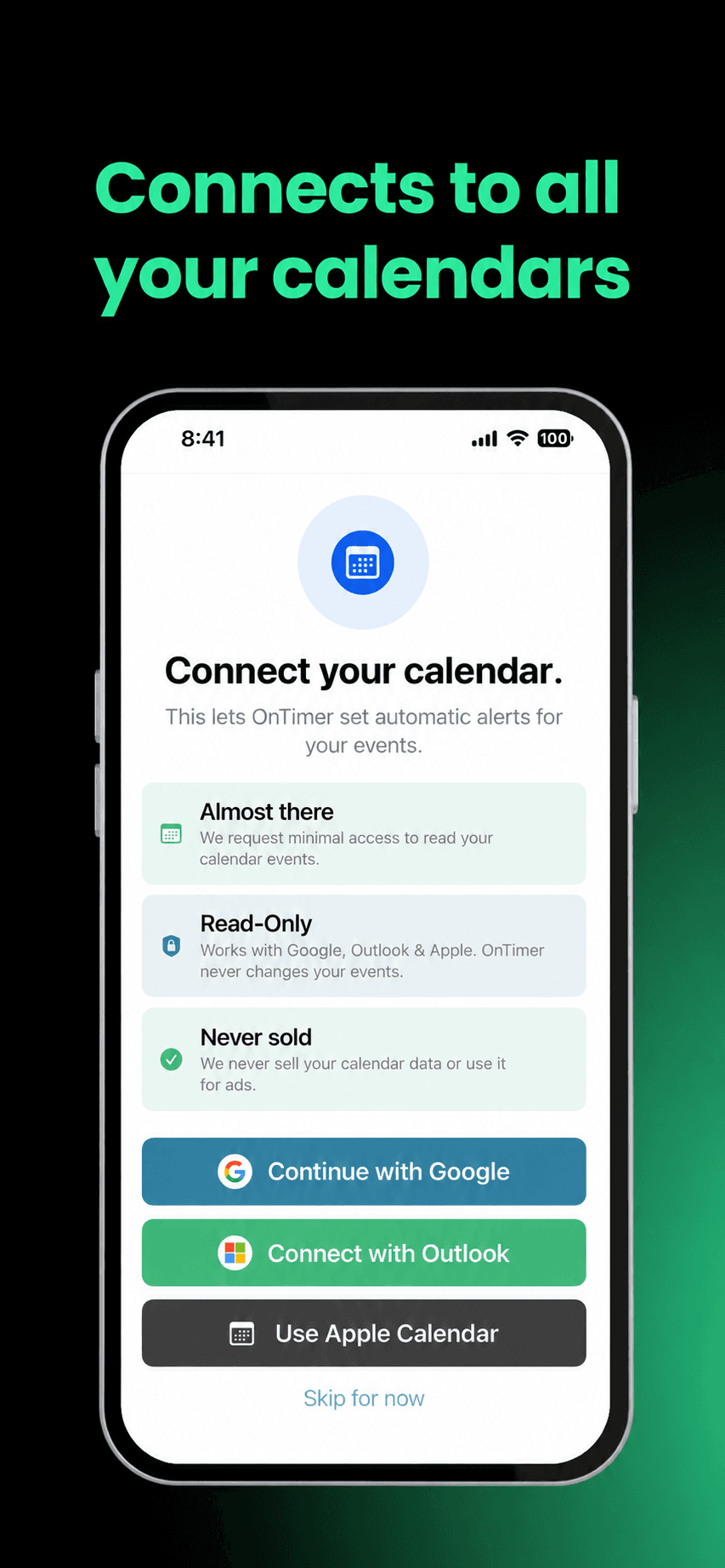
Connect the calendars you already use
Bring Apple Calendar, Google Calendar, and Outlook Calendar together, including work and school accounts.
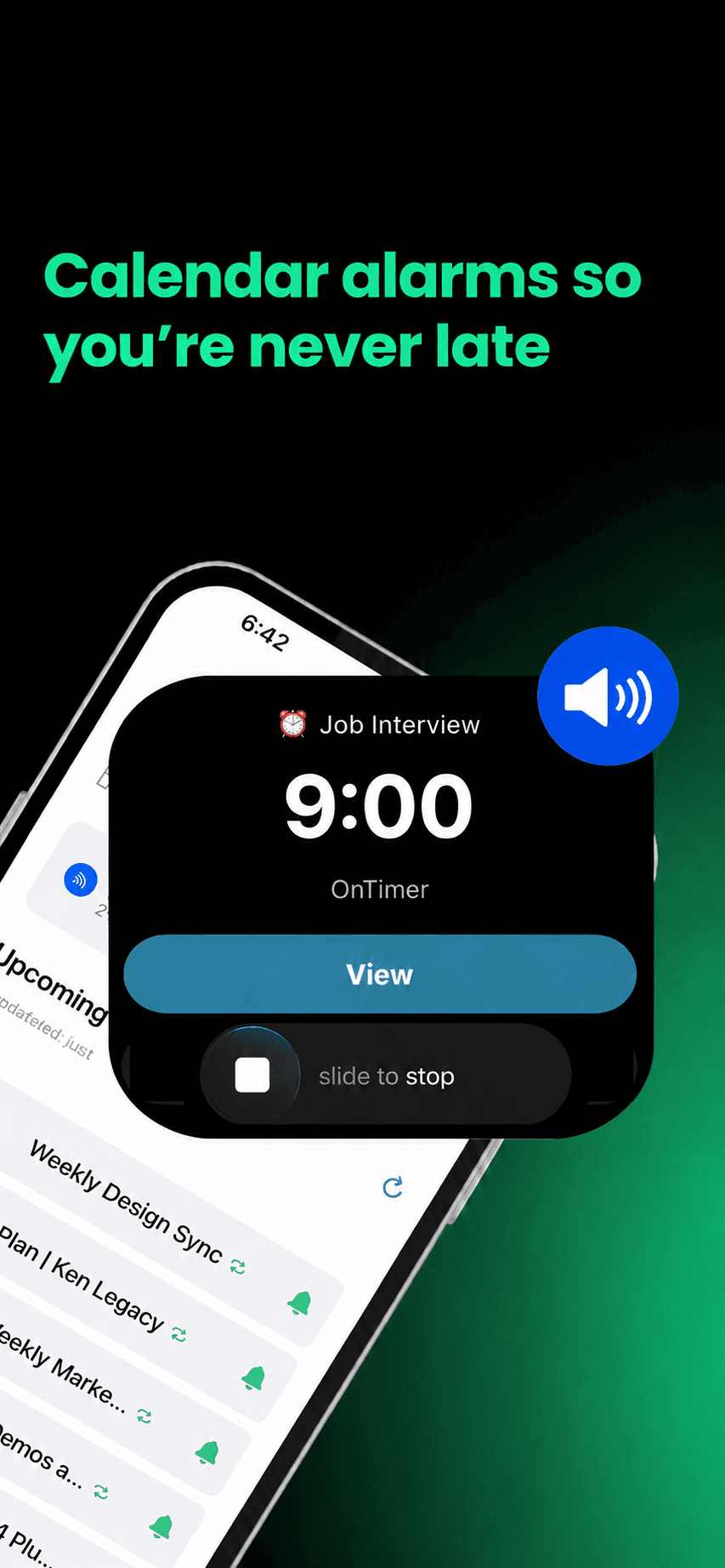
Automatic calendar alarms
OnTimer turns your calendar into automatic alarms that stay in front of you until you respond—so you know when to join, leave, or act.
Available now for iPhone. Android users can join the waitlist.
“Are you joining?”
The problem is not your calendar
Schedules change. Traffic builds. A notification appears while you are doing something else. OnTimer closes the gap between knowing what is next and acting on time.
How OnTimer works
Connect once. OnTimer automatically keeps your alarms aligned with your day.
Bring Apple Calendar, Google Calendar, and Outlook Calendar together, including work and school accounts.
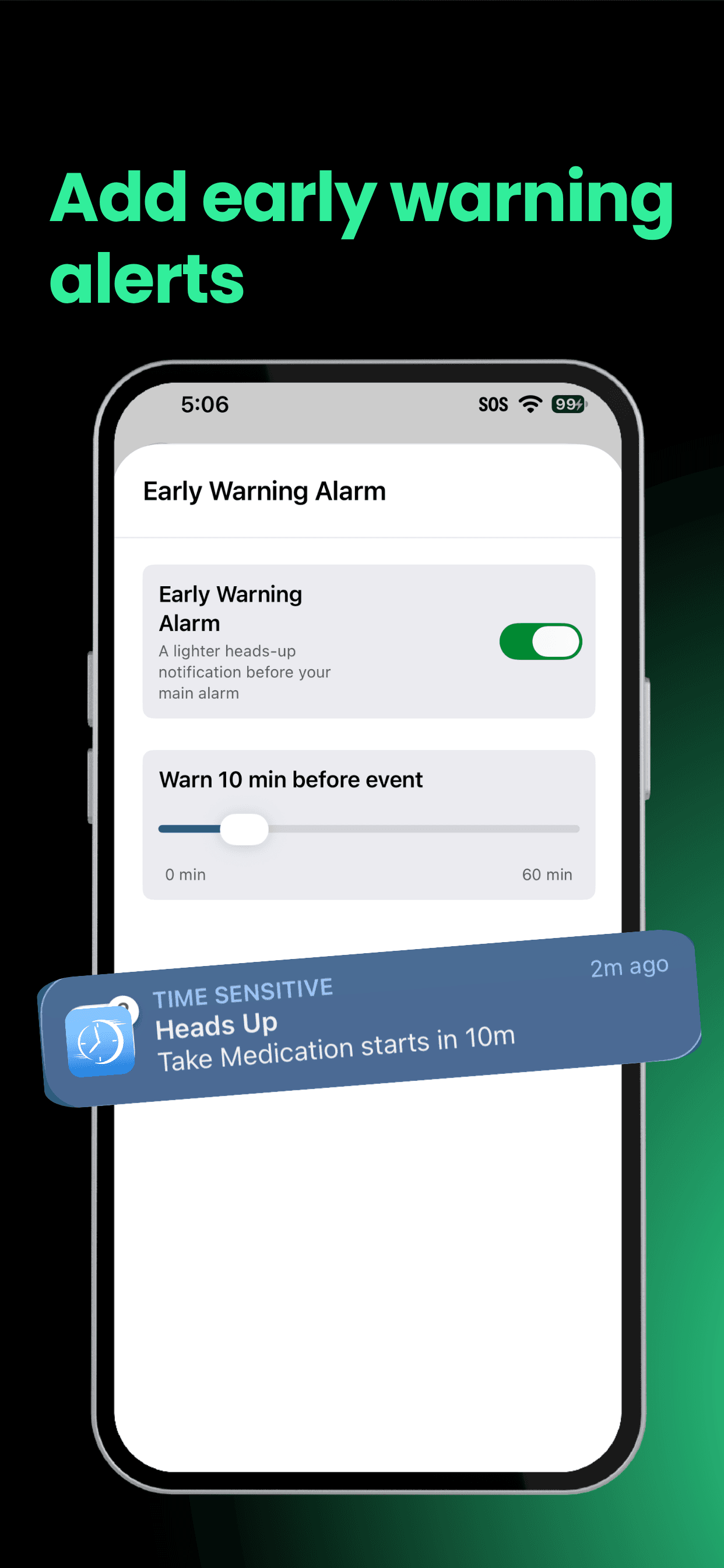
OnTimer creates alarms automatically from your upcoming events. Each alarm stays on screen until you dismiss it, and Early Warning gives you time to wrap up before the main alarm.
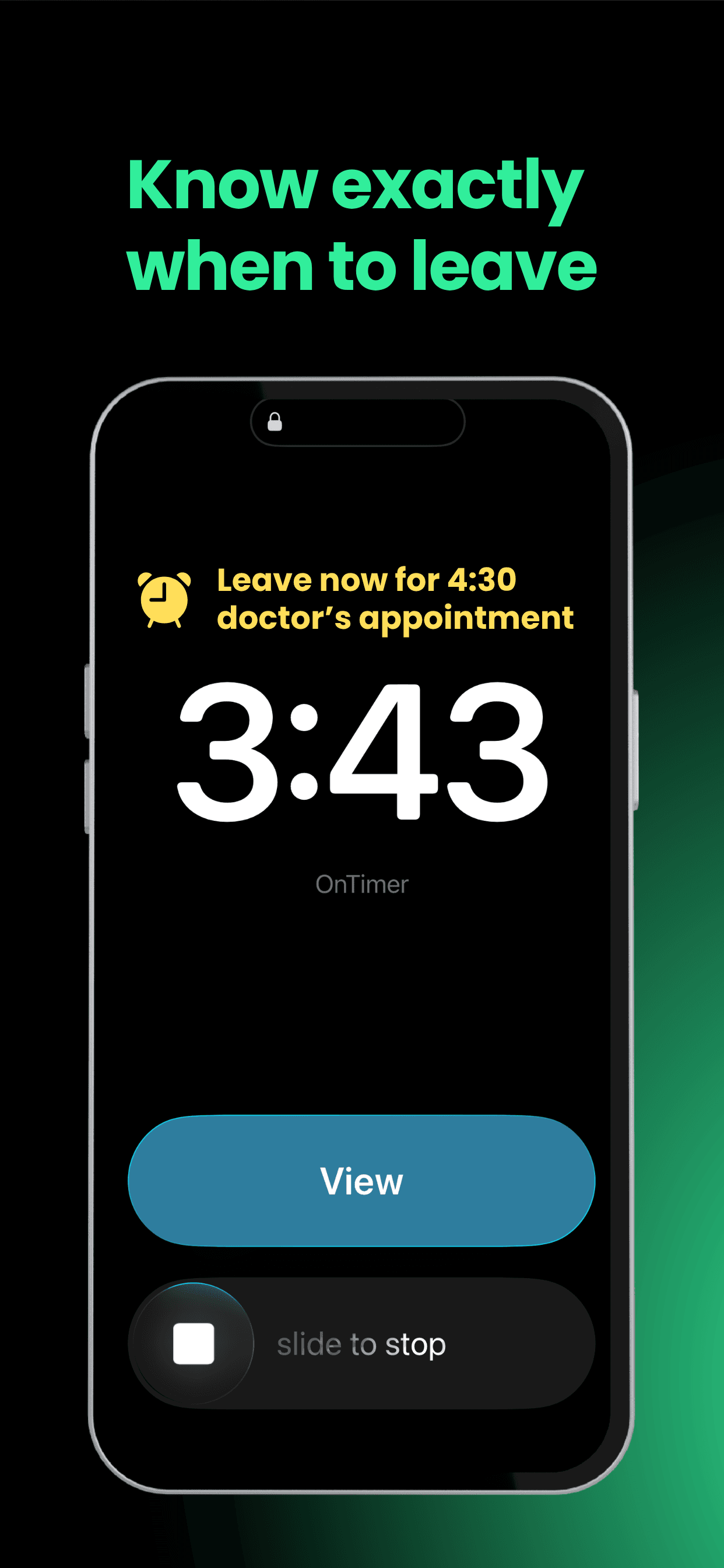
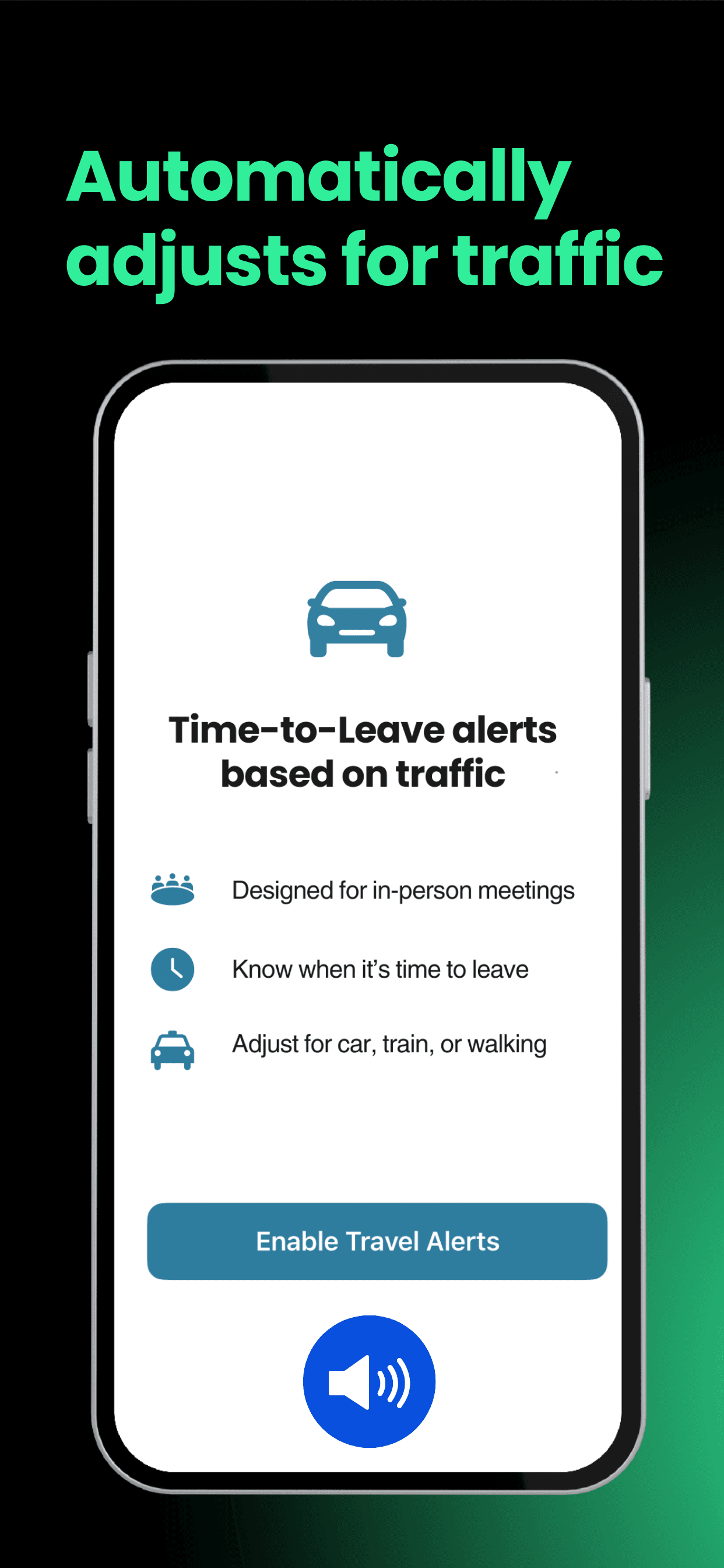
Time To Leave adjusts for traffic and how you travel.
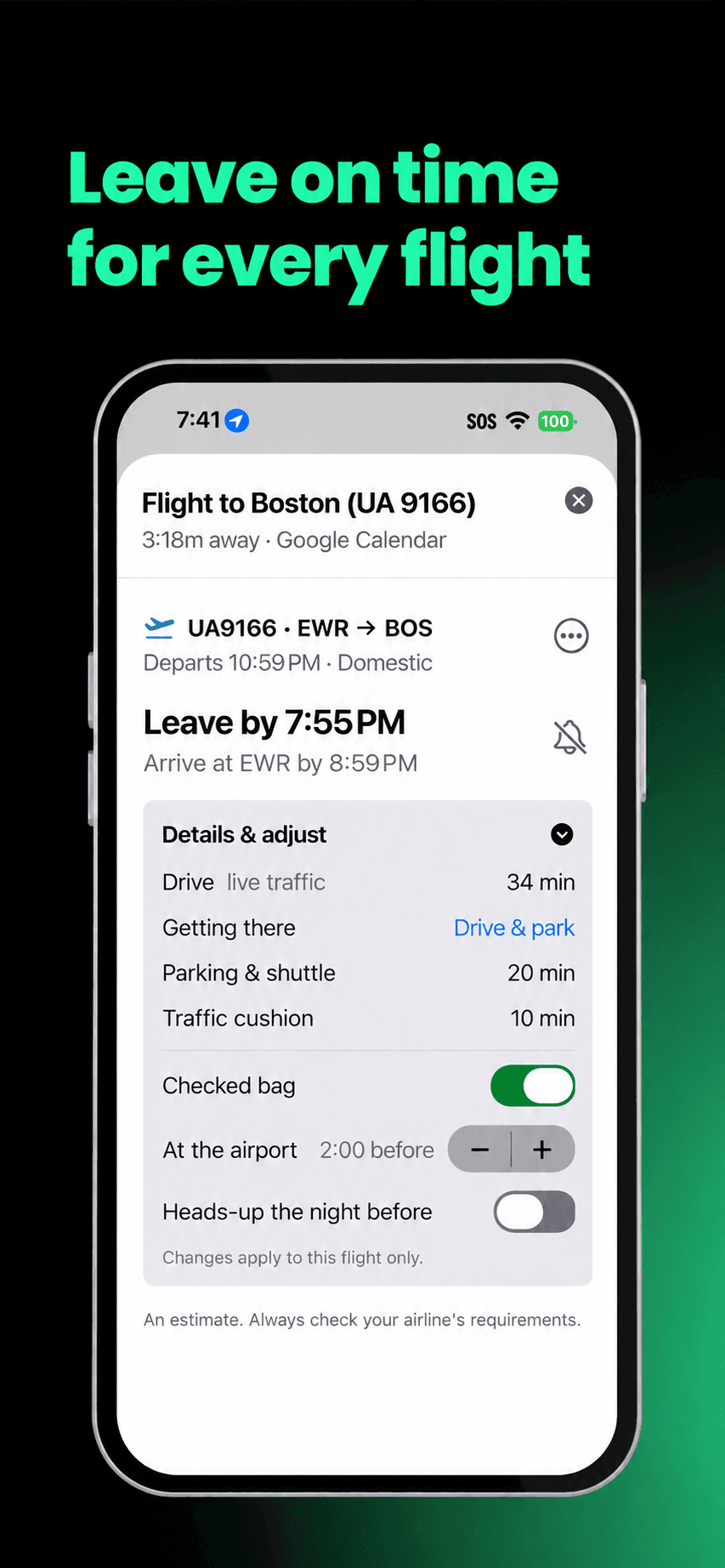
Time To Fly finds flights in your calendar and works backward from your trip to the airport and airline-recommended arrival time. No extra flight entry required.
Automatic does not mean rigid
Home-screen event cards let you turn each alarm on or off, choose its sound, set an Early Warning, or open the original calendar event. Repeating meeting you don't need? Turn it off once or for the whole series. Prefer alarms off by default? Choose Only meetings I choose in Which Meetings Ring, then tap the bell on the meetings you want.
Download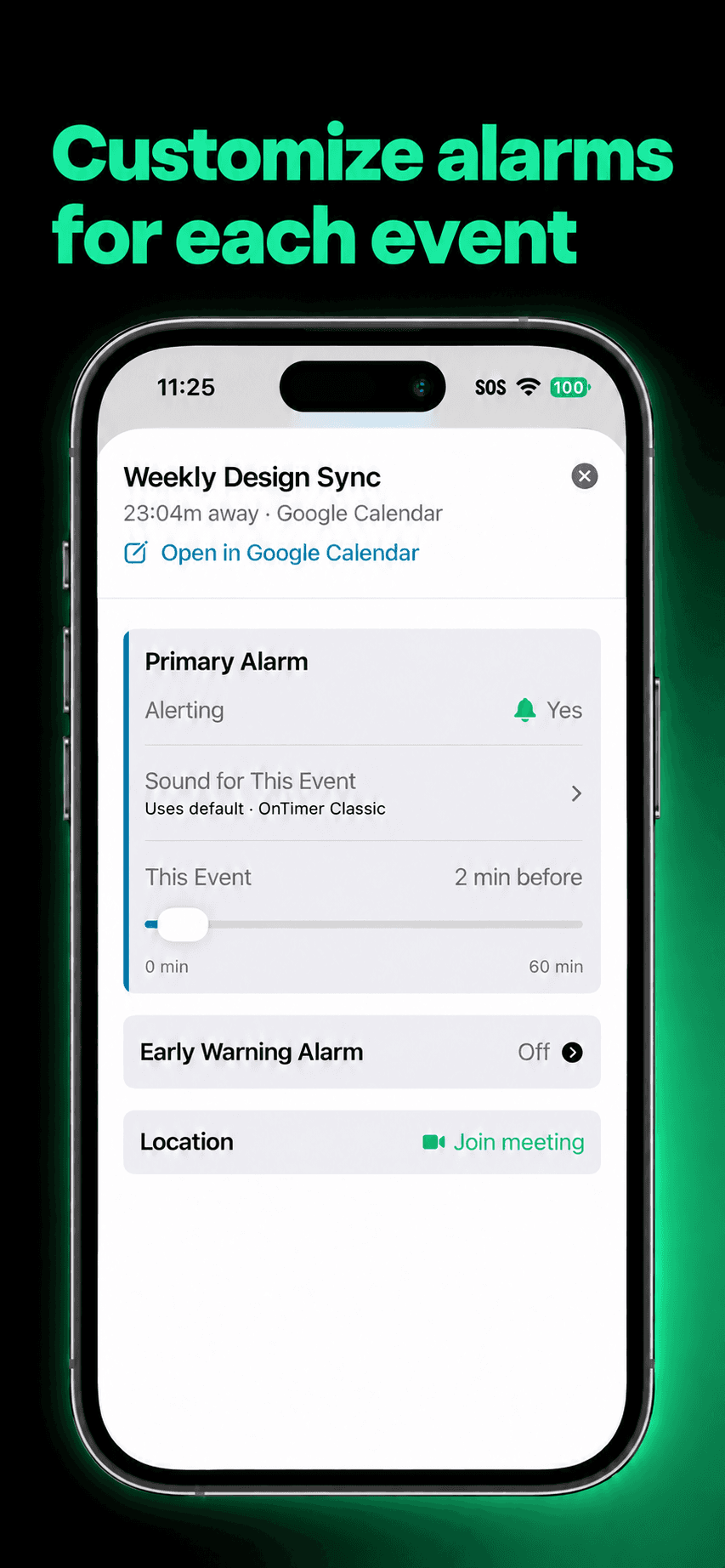
Need an answer right now?
Use a free planning tool now. When the moment matters every day, let OnTimer keep watch automatically.
The useful details
OnTimer works with your calendar. It does not ask you to replace it.
OnTimer turns events from the calendars you already use into automatic alarms on iPhone. Alarms stay on screen until you dismiss them, so they demand an active response instead of disappearing like a passive calendar notification.
A calendar notification can appear once and disappear. An OnTimer alarm stays in front of you until you dismiss it and can use the sound you choose.
OnTimer works with Apple Calendar, Google Calendar, and Outlook Calendar, including work and school accounts. OnTimer Pro supports multiple connected accounts.
Yes. In Settings, open Which Meetings Ring and choose Only meetings I choose. Then tap the bell on any meeting you want to ring. For a repeating meeting, you can turn on one event or the whole series.
Yes. Tap the meeting's bell, or Alerting on its event card, and choose This Event Only or All Events in This Series. To undo a series setting, open Which Meetings Ring in Settings and tap Reset.
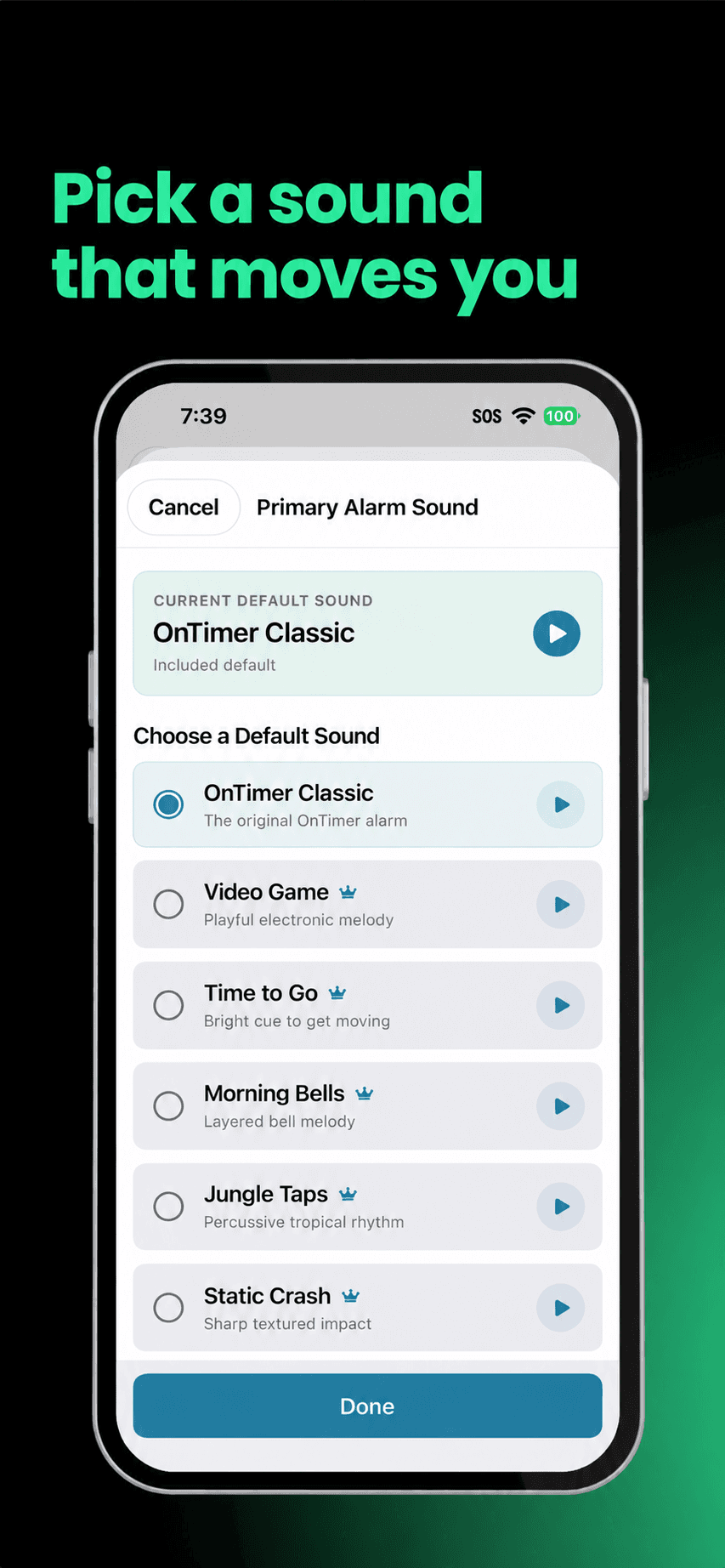
Yes, you can customize alarms. Choose an alarm sound and assign a different sound to a specific event when it needs a distinct signal.
Early Warning provides a lighter heads-up before the main alarm, with a default time that can be adjusted for a specific event.
For calendar events with a usable location, Time To Leave can use travel time and traffic to alert you when it is time to head out. Time To Fly automatically discovers flights in your calendar and sets a leave-time alarm using the trip to the airport and the airline-recommended airport arrival time.
On iOS 26.1 and later, High Alert can ring through Silent mode and Focus or Do Not Disturb when it is enabled and iOS permissions allow it. Without High Alert, sound and delivery still depend on the iPhone's notification, sound, and Focus settings.
OnTimer is free and includes automatic alarms for one calendar provider. Time To Fly can set an initial airport departure estimate on the free plan; OnTimer Pro can update it for traffic when background conditions allow. Pro also adds multiple calendar providers, Time To Leave, Early Warning, and additional controls.
OnTimer is currently available for iPhone. Android users can join the waitlist and be notified when an Android version is ready. Join the Android waitlist.
One less thing to remember
Turn the calendar you already trust into alarms that keep you on time.