
OnTimer features
Features built to help you show up on time
One automatic system for knowing when to wrap up, join, leave, or head to the airport.
Why this exists
Calendar notifications are passive. They appear, you acknowledge them, and then they disappear. Most people see the reminder — and still show up late.
The problem isn't forgetting the meeting. It's the gap between knowing you have a meeting and actually stopping what you're doing to leave. OnTimer is built around that gap — learn why calendar reminders fail and how alarms fix it.
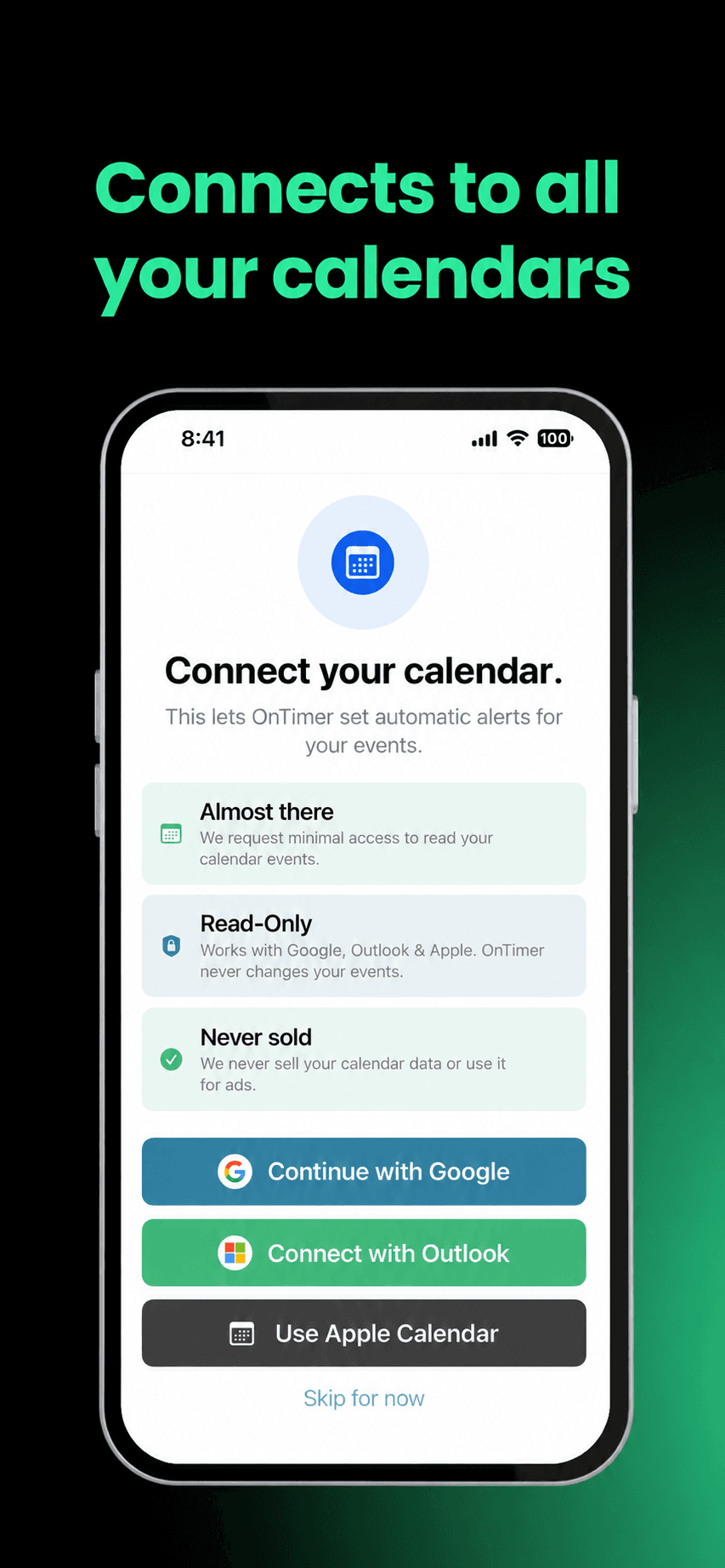
Connect the calendars you actually use
OnTimer works with your existing calendar setup, so you do not have to rebuild your schedule somewhere else. Connect Google Calendar, Apple Calendar, and Outlook Calendar, including work and school accounts, and OnTimer uses those events to create alarms.
- Works with Google Calendar, Apple Calendar, and Outlook Calendar
- Supports multiple calendar accounts
- Uses your existing event schedule
- No need to create separate reminders by hand
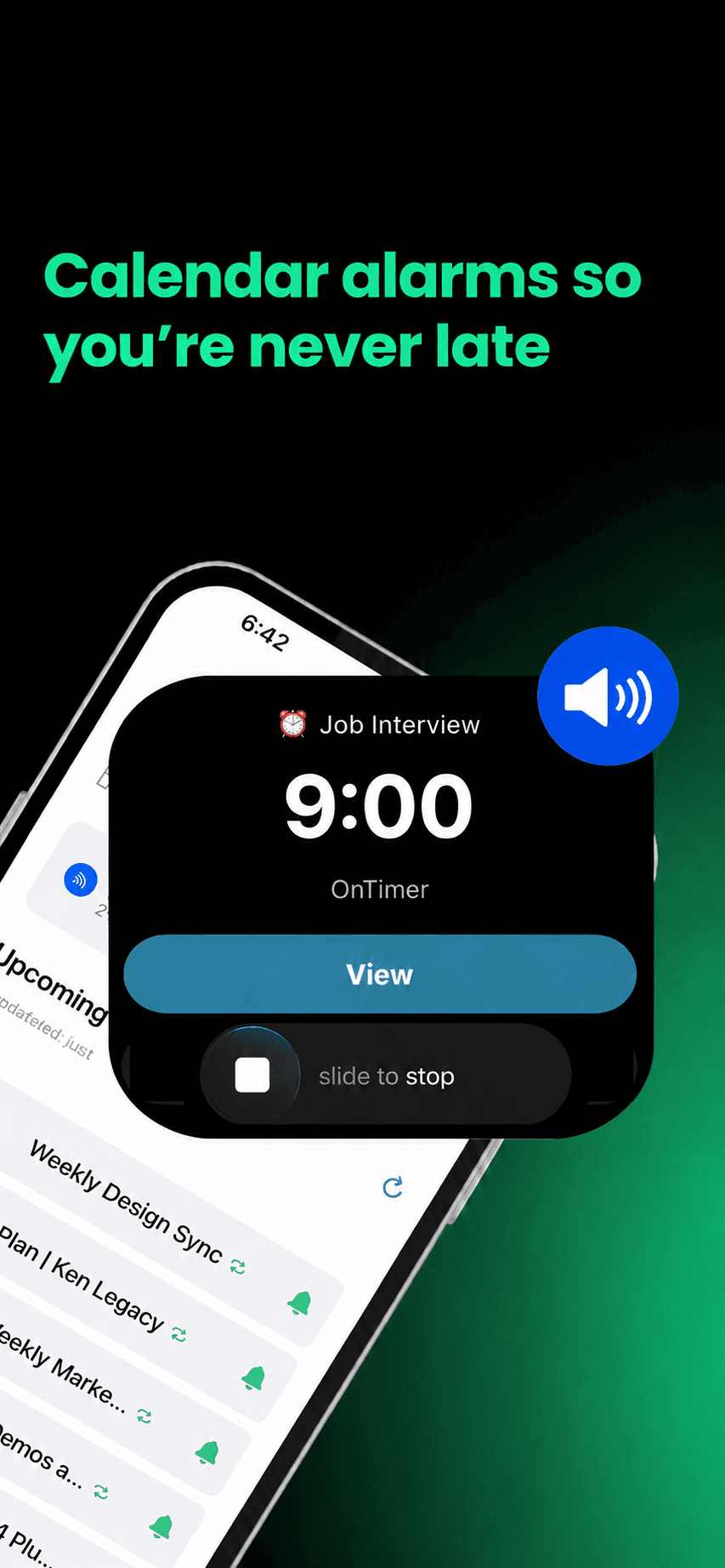
Turn calendar events into alarms automatically
Once OnTimer is connected, it automatically creates alarms for upcoming meetings, calls, and appointments based on your settings.
- Alarms created from calendar events
- Adjustable lead times
- Updates when your schedule changes
- Less manual reminder setup
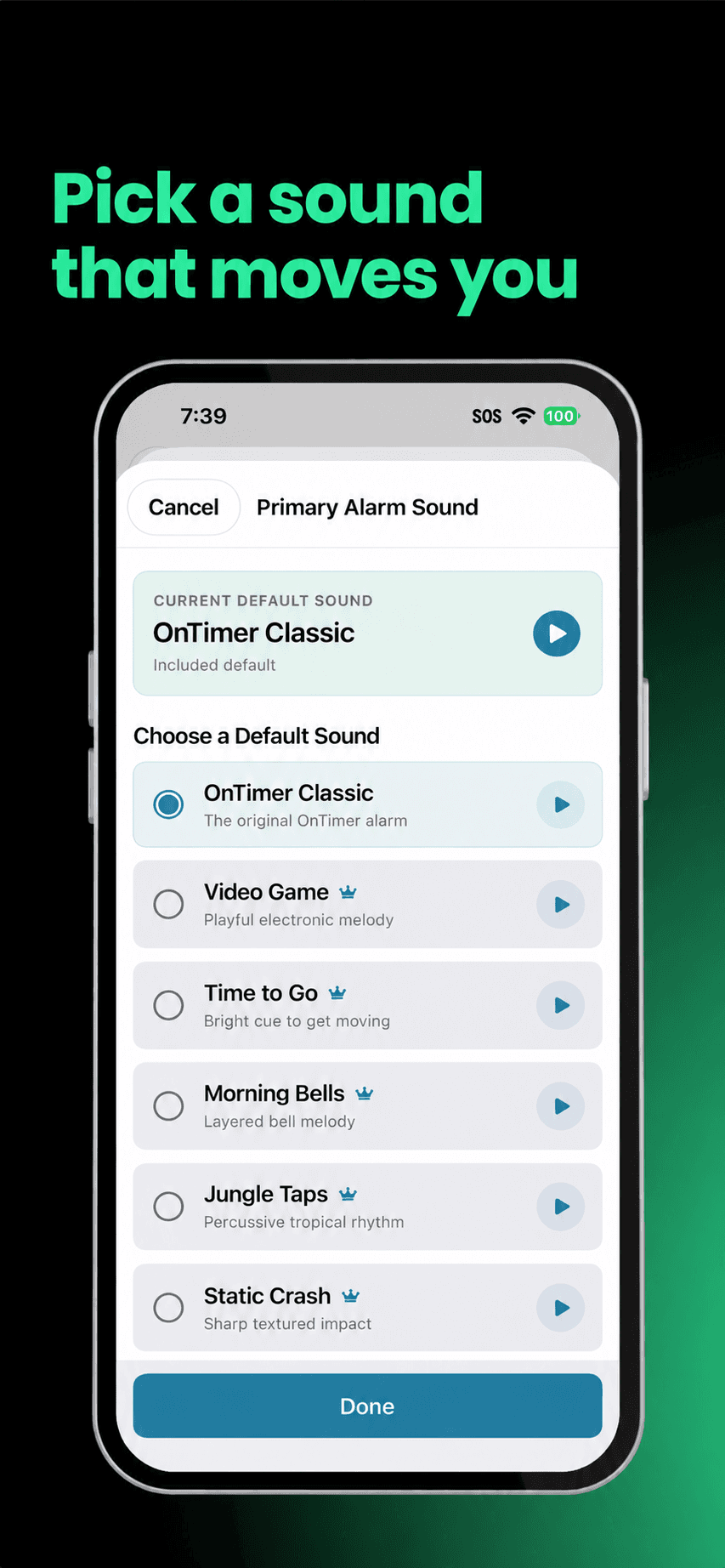
Give important events their own alarm sound
OnTimer alarms stay on screen until you dismiss them. Choose an alarm sound and assign a different sound to a specific event when it needs a distinct signal.
- Choose your default alarm sound
- Assign a sound to a specific event
- Stays active until dismissed
- Event details included in the alert
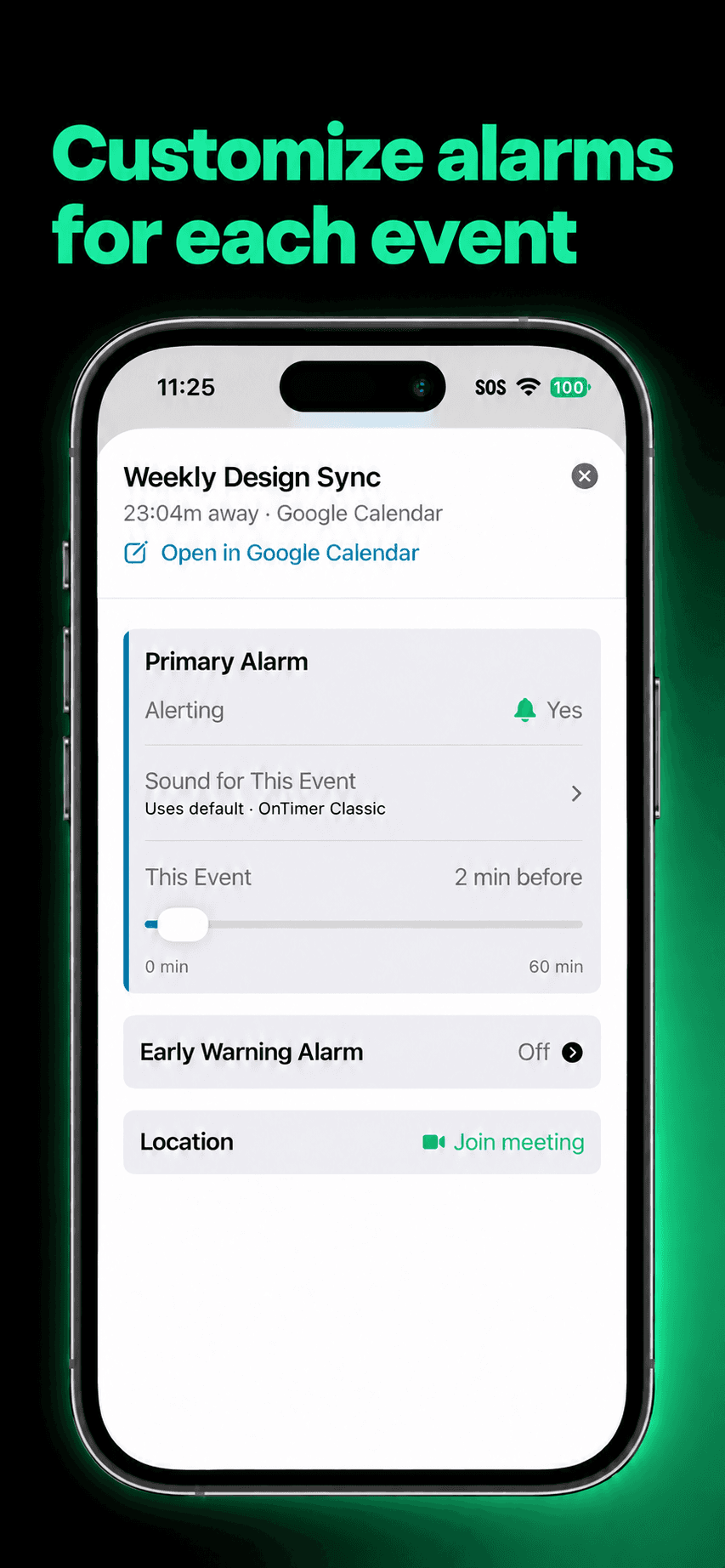
Customize alarms for each event
Home-screen event cards provide controls for whether an event should alarm, which sound it should use, its Early Warning, and opening the original calendar event.
- Tap the bell to turn one event, or a whole repeating series, on or off
- Choose the event's alarm sound
- Adjust its Early Warning
- Open the original calendar event
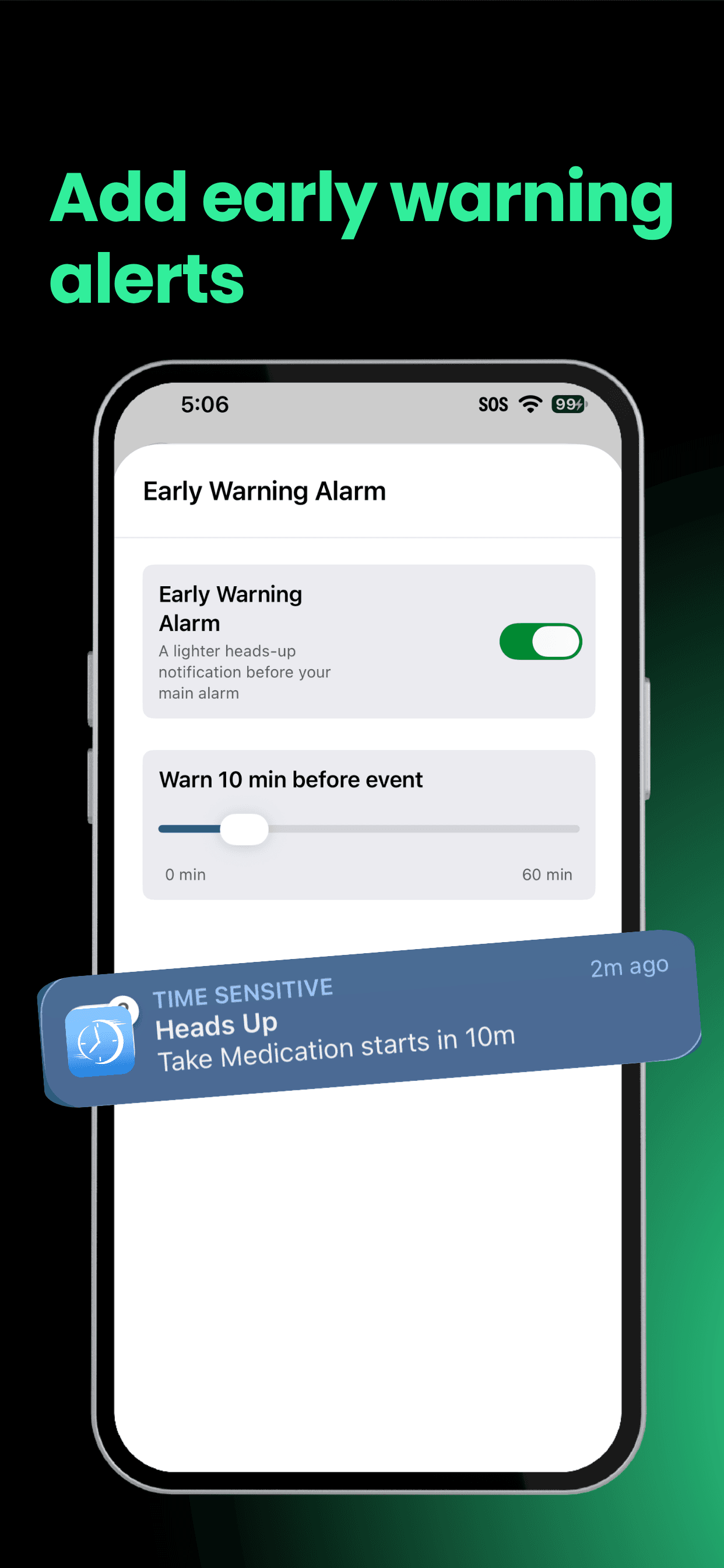
Get a lighter heads-up before the main alarm
Early Warning provides a lighter heads-up before the main alarm, with a default time that can be adjusted for a specific event.
- Start wrapping up before it is time to move
- Choose a default warning time
- Override the timing for a specific event
- Premium feature
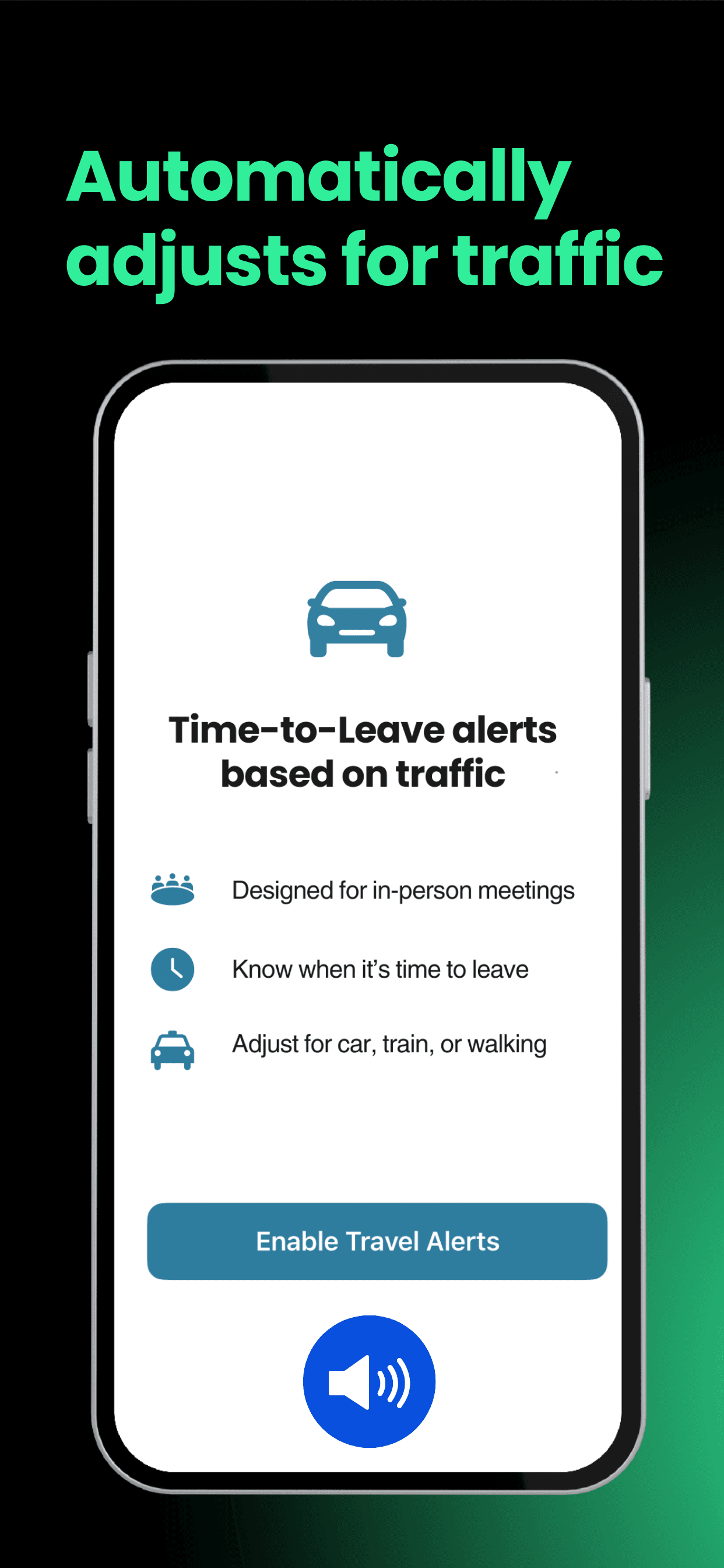
Know when it is really time to head out
For calendar events with a usable location, Time To Leave can use travel time and traffic to alert you when it is time to head out.
- Uses the location in your calendar event
- Accounts for travel time and traffic
- Useful for appointments and in-person meetings
- Premium feature
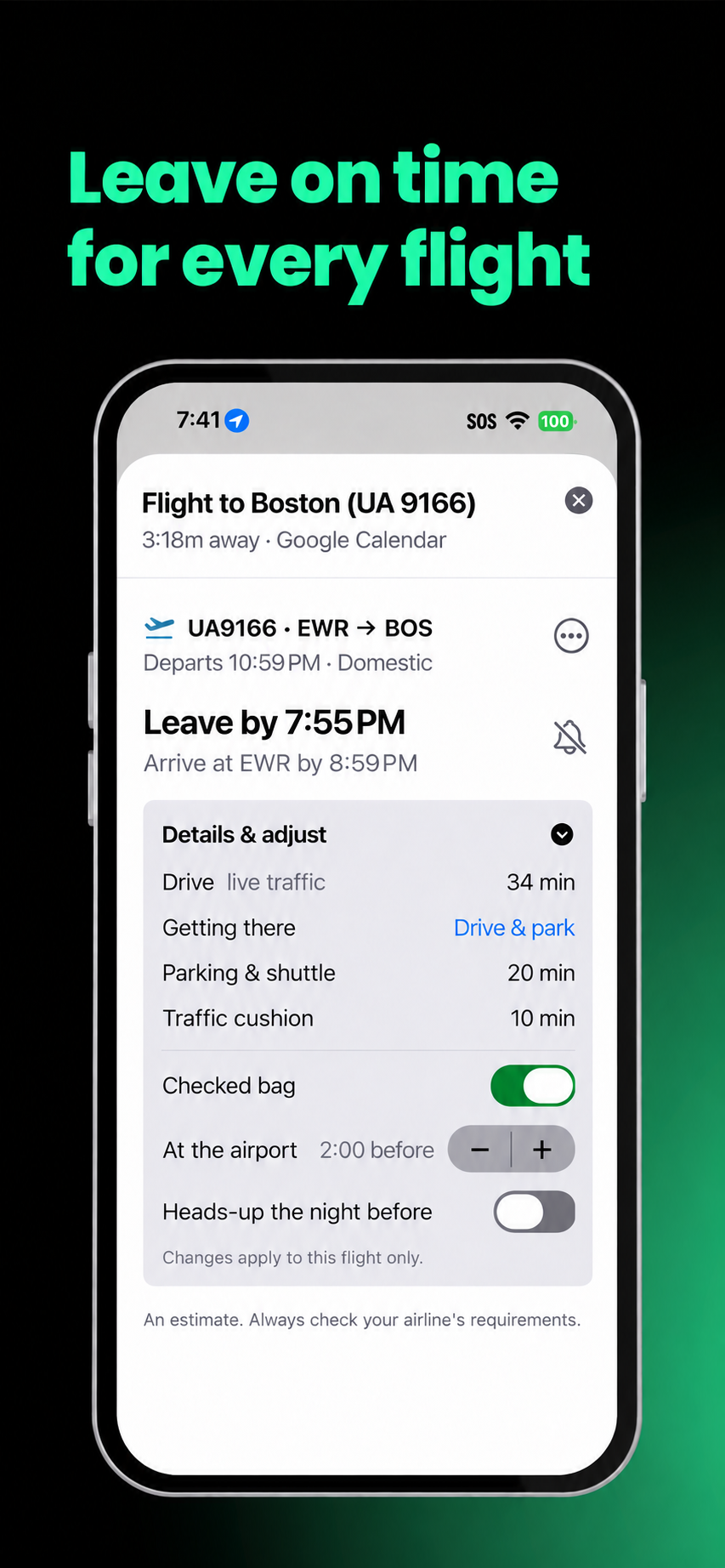
Know when to leave for the airport
Time To Fly automatically discovers flights in your calendar and sets a leave-time alarm using the trip to the airport and the airline-recommended airport arrival time.
- Automatically discovers flights in your calendar
- Uses airline-recommended airport arrival time
- Accounts for the trip to the airport
- No separate flight entry in OnTimer
Planning tool
Airport Time-to-Leave Calculator
Estimate exactly when to leave for the airport based on traffic, security time, bags, and how you're getting there. Free, no account required.
Try the calculatorReady for alarms that keep you on time?
Download OnTimer for free and get more reliable alerts from your calendar.